



Magneticslots Gaming App
All modern websites and internet sources now have a mobile version, and we are no exception with the Magneticslots app. It makes users’ lives way more flexible. That’s why we developed convenient mobile software for Android and iOS. You can download it from our website within a few minutes. In the mobile software, you’ll find the same titles and functionalities as in the main desktop version.

Magneticslots With Mobile App
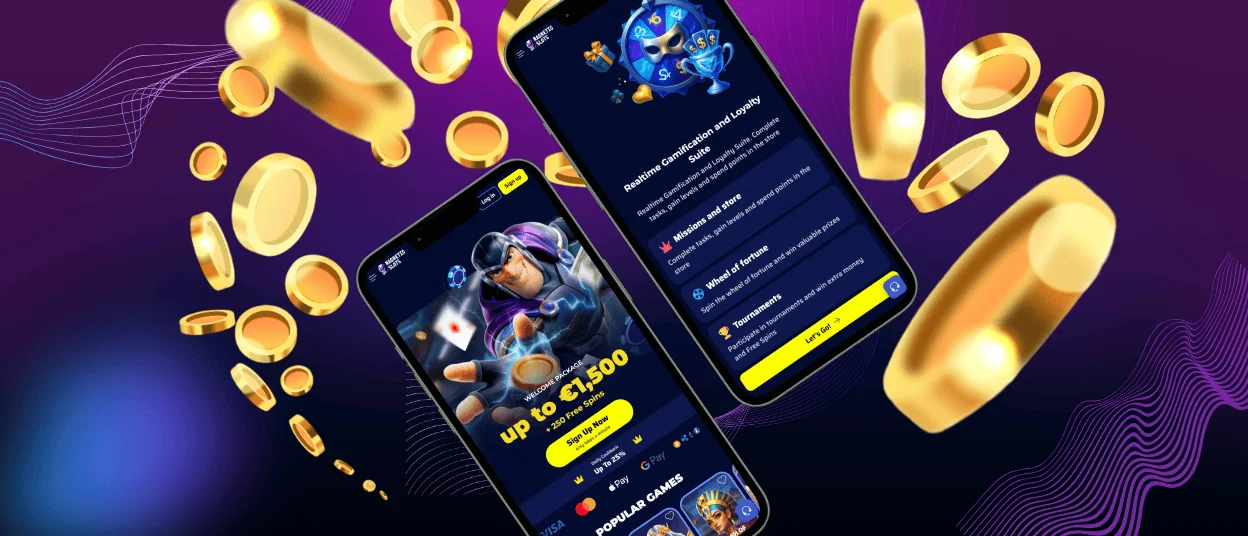
With Magnetic Slots Casino, you can play your favorite games on the go. It requires only a mobile device and a stable internet connection. Users get access to the whole game collection, payments, bonuses, customer service and much more. In the mobile casino, you can easily go through the registration process or log in. All these features mean you will have a wonderful gaming experience when you choose the Magneticslots app.
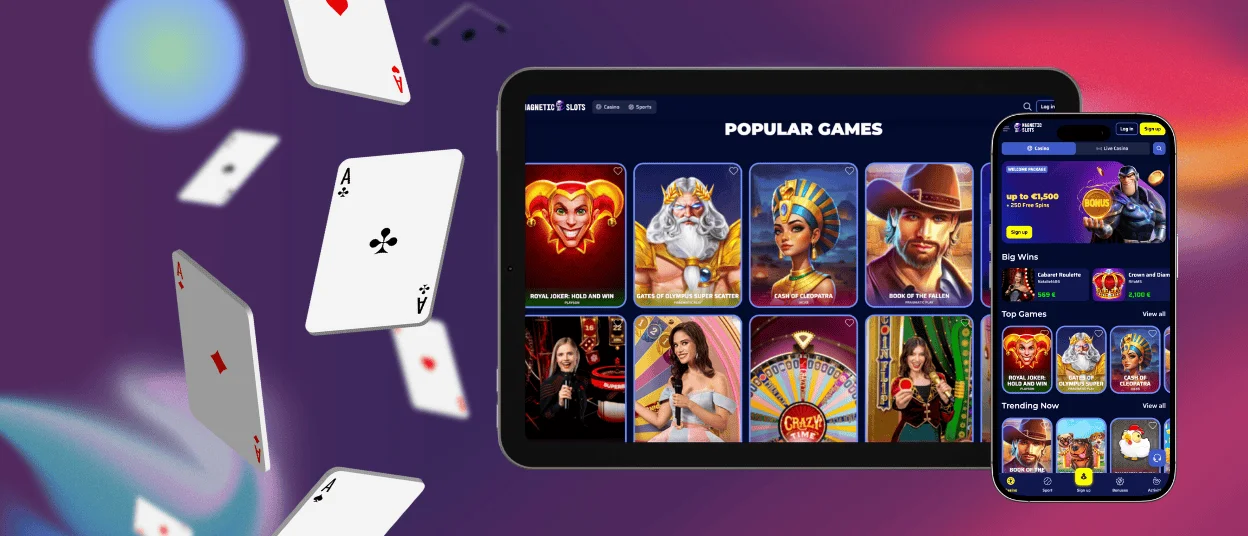
The Magneticslots players can use the casino in different ways from smartphones or tablets. There is a convenient mobile browser version. It is optimized for the smaller screens of mobile devices. Additionally, we offer the Magneticslots app, which provides you with an even more personalized experience. Both options work smoothly and quickly. It’s only up to you what to select.
Magneticslots Casino Android App
Having an Android gadget gives you the opportunity to enjoy the gaming process in any situation. We offer not just part of the opportunities but the whole experience. In the Magneticslots app, you will have access to over 6,000 titles in different categories and genres.
Our mobile software is developed as a progressive web application (PWA). It means that you don’t have to download any unknown Magneticslots APK files on your device. The installation is easy and takes only 3 minutes. Just go to the footer of our website and click the “Casino App” button to start the installation. After everything is done, it will appear on your home screen.
Users can also enjoy Magnetic Slots Casino in the browser version. For quicker access, you can install the shortcut icon. That can be done in any modern browser from a smartphone or tablet.
| Step | Details |
| Open your mobile browser | Launch Google Chrome or another supported browser on your Android device and visit the casino’s website. |
| Go to the homepage | Make sure you’re on the main Magneticslots page so the shortcut option can be activated correctly. |
| Open browser menu | Tap the three-dot menu in the top-right corner of Chrome to access additional options. |
| Select “Add to home screen” | Choose the option “Add to home screen” from the menu to begin creating the shortcut icon. |
| Confirm name and icon | Review the suggested shortcut name and adjust it if needed. The icon preview will be shown automatically. |
| Click “Add” | Confirm the action by tapping “Add.” Your device may ask whether to place it manually or automatically. |
Magneticslots Casino iOS App
iOS users are also not limited to their homes or the computer’s location. The mobile version and software allow everyone to play on the go. Because of the restrictions of the App Store on gambling software, you can download the Magneticslots app from our official website. We recommend that you avoid installing it from third-party websites, as it may be unsafe for your device.
If you’re not sure about the software, you can start with the browser version. It provides the same design, navigation and games as the desktop version. But the buttons are larger, there’s a scroll and swipe function and touch-friendly game controls. If you prefer to have quick access to Magneticslots Casino via the app, use our instructions from the table below.
| Step | Details |
| Open the Safari browser | Launch Safari on your iPhone or iPad and go to the casino website. |
| Navigate to the footer and click “Casino App” | Ensure you are on the main Magnetic Slots page, where the PWA installation link is available. |
| Install the PWA | Tap “Install” in the middle of the screen. The PWA will be installed within a few minutes and appear on your home screen. |
| Launch and play | Open the Magneticslots app from your home screen, log in to your account, and start playing. |
Download Windows and macOS Apps
By describing all the mobile options, we didn’t forget about our desktop version. We understand that for some users it’s important to have a big screen and the relaxed atmosphere of home. Magneticslots Casino users can use the browser version or download the desktop software. The second option provides a more personalized experience along with the following advantages:
- Faster performance
- Enhanced graphics and sound
- Stable gameplay
- Instant access
- Exclusive features and bonuses
FAQ
Does the Magnetic Slots Casino App Offer Customer Support?
The support team is a very important part of any online casino. In our app, you will find a live chat where our managers will help you within a few minutes. You can also contact us via email for more detailed explanations.
Is Creating an Account Required to Use the Magnetic Slots App?
To access all the functionalities and tools of the Magnetic Slots mobile software, you need to create an account or log in. But no worries, users can register and complete the verification process straight in the app within a few minutes.
Are All Games Available in the App?
Our entire game collection, with 6,000+ titles, is presented in the Magneticslots app. You will find all your favorite online slots, table games, live dealer options and crash games. They are developed in such a way as to adapt to any modern device.
How Can I Update the Magneticslots Casino App?
The PWA is automatically updating without any additional steps from you. That’s one of the many features of our mobile software. If we release significant changes, we will notify you if an additional installation from the website is required.


